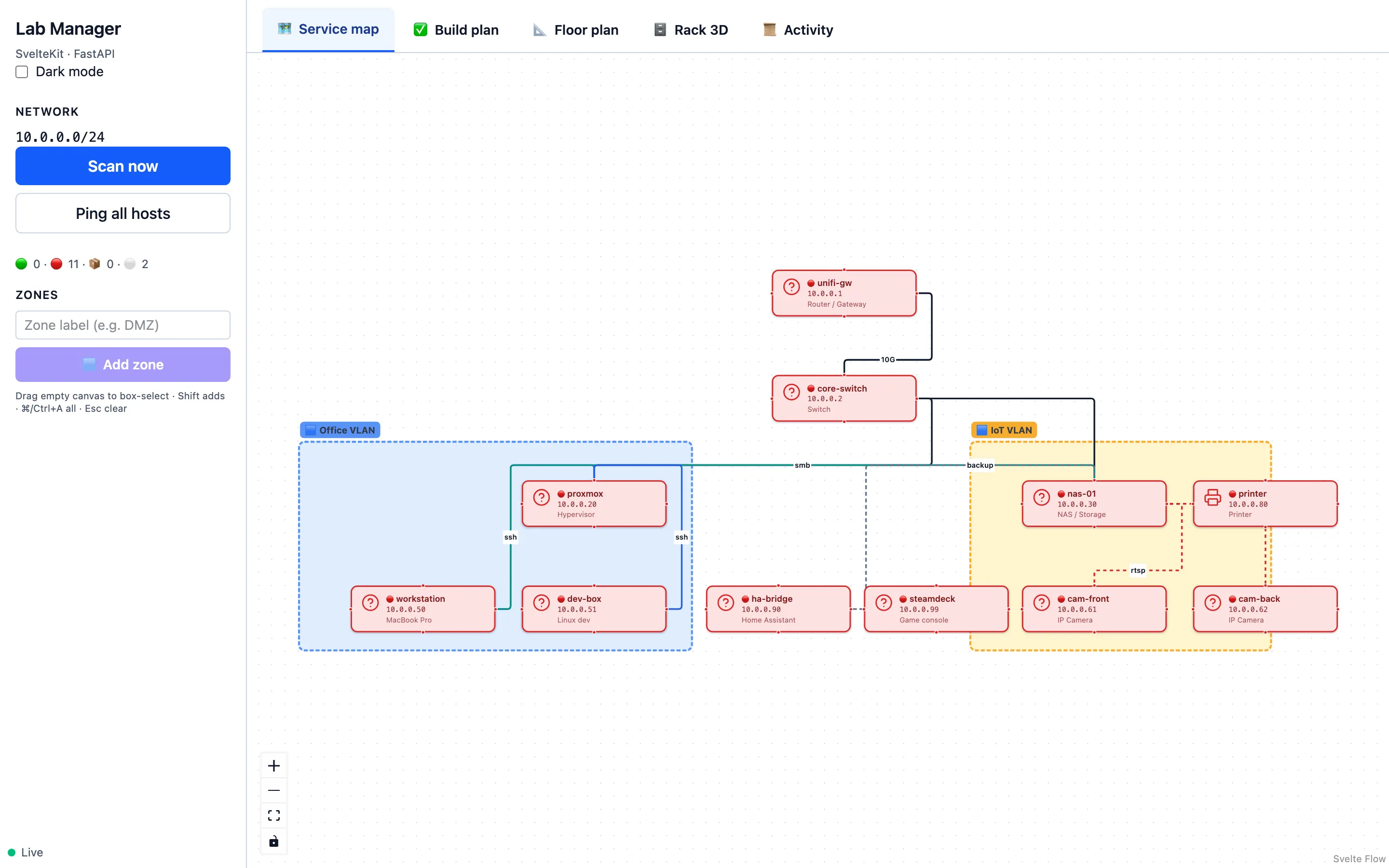
Service map
Drag your network
Drag your network
into existence.
Infinite canvas. Hosts, edges, notes. SSH, HTTP, RTSP, depends-on — typed connections that mean something.
A draggable service canvas. A 3D floor plan. A 3D rack designer. Live ping status, all backed by one JSON file you actually own.
signed installers · no telemetry · your data, your machine
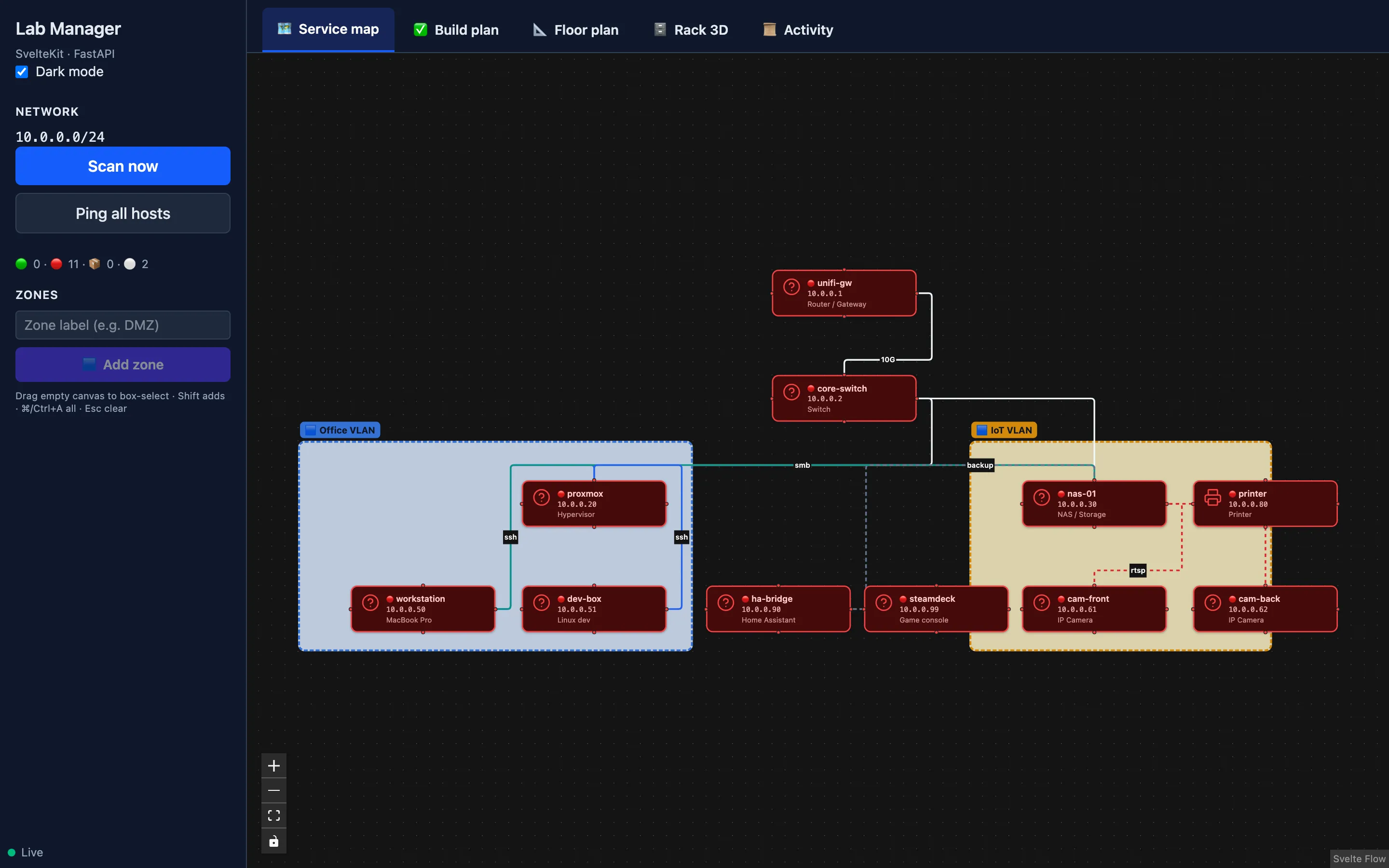
Runs on the boring stuff you already have
Six things that should already exist in the same app. Now they do.
Infinite canvas. Hosts, edges, notes. SSH, HTTP, RTSP, depends-on — typed connections that mean something.
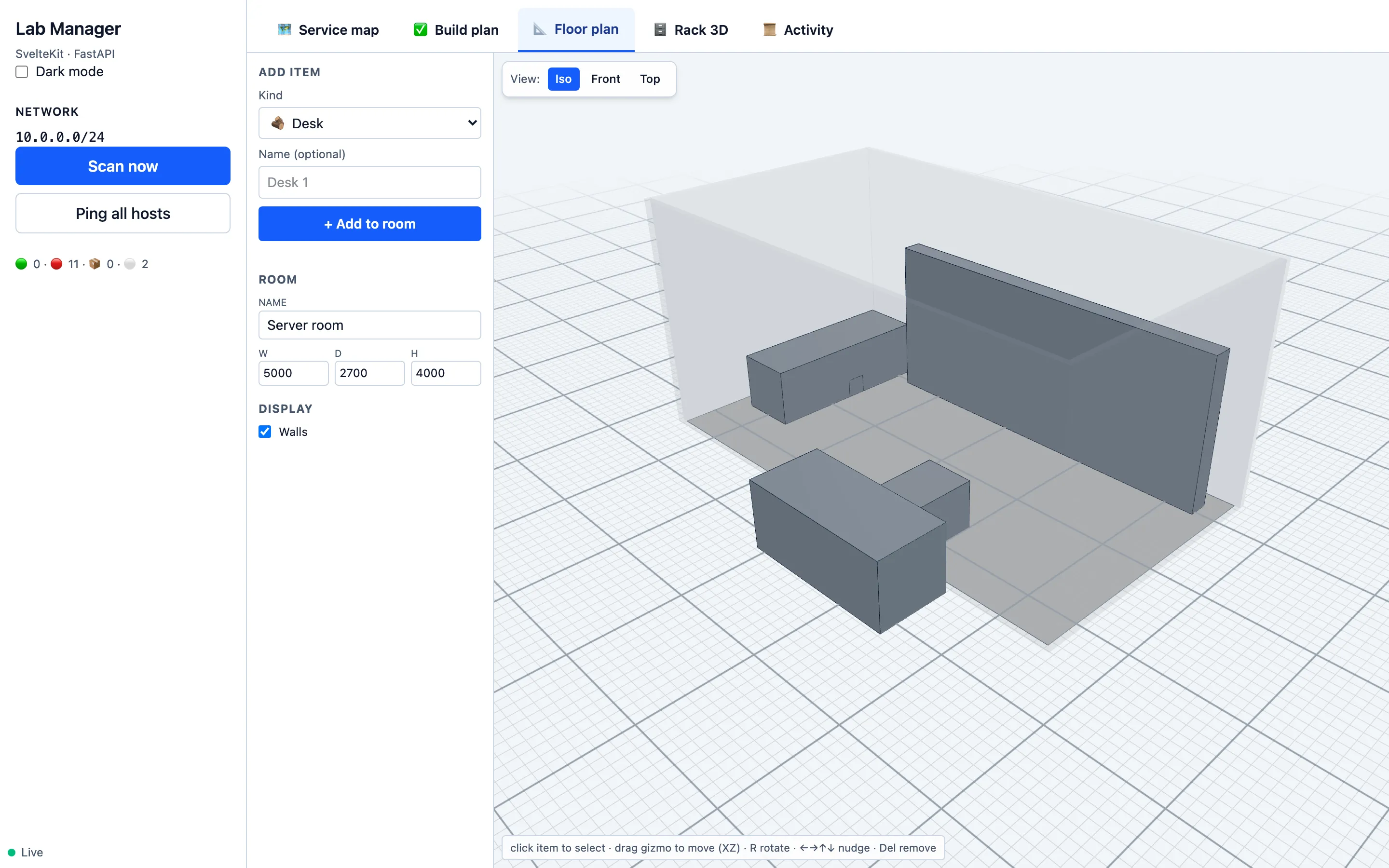
Walls, racks, desks, cameras. Rotate, pan, zoom — or snap to top-down.
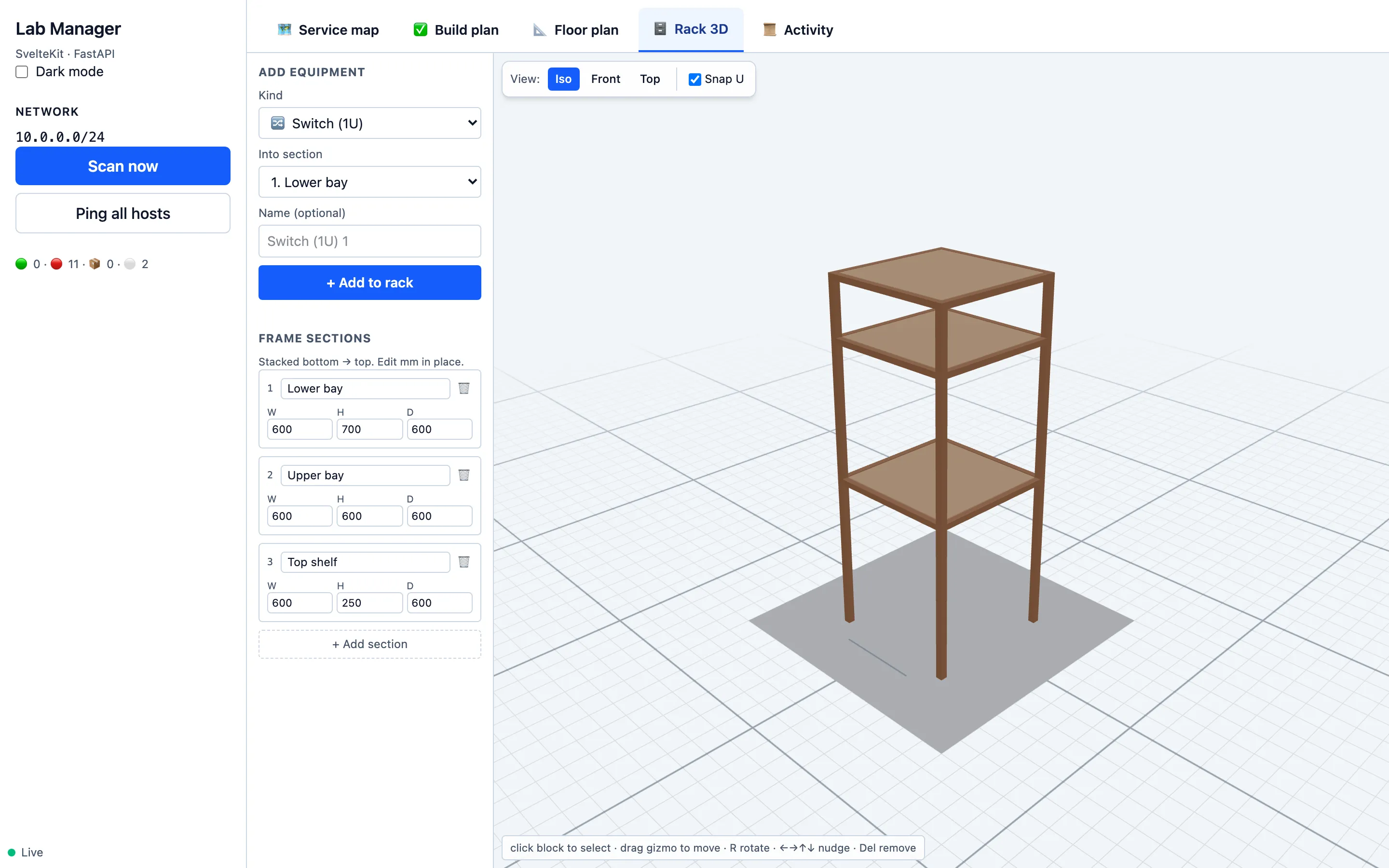
Wooden-rack feel. Stacked sections with per-section dimensions, drag-to-place equipment.
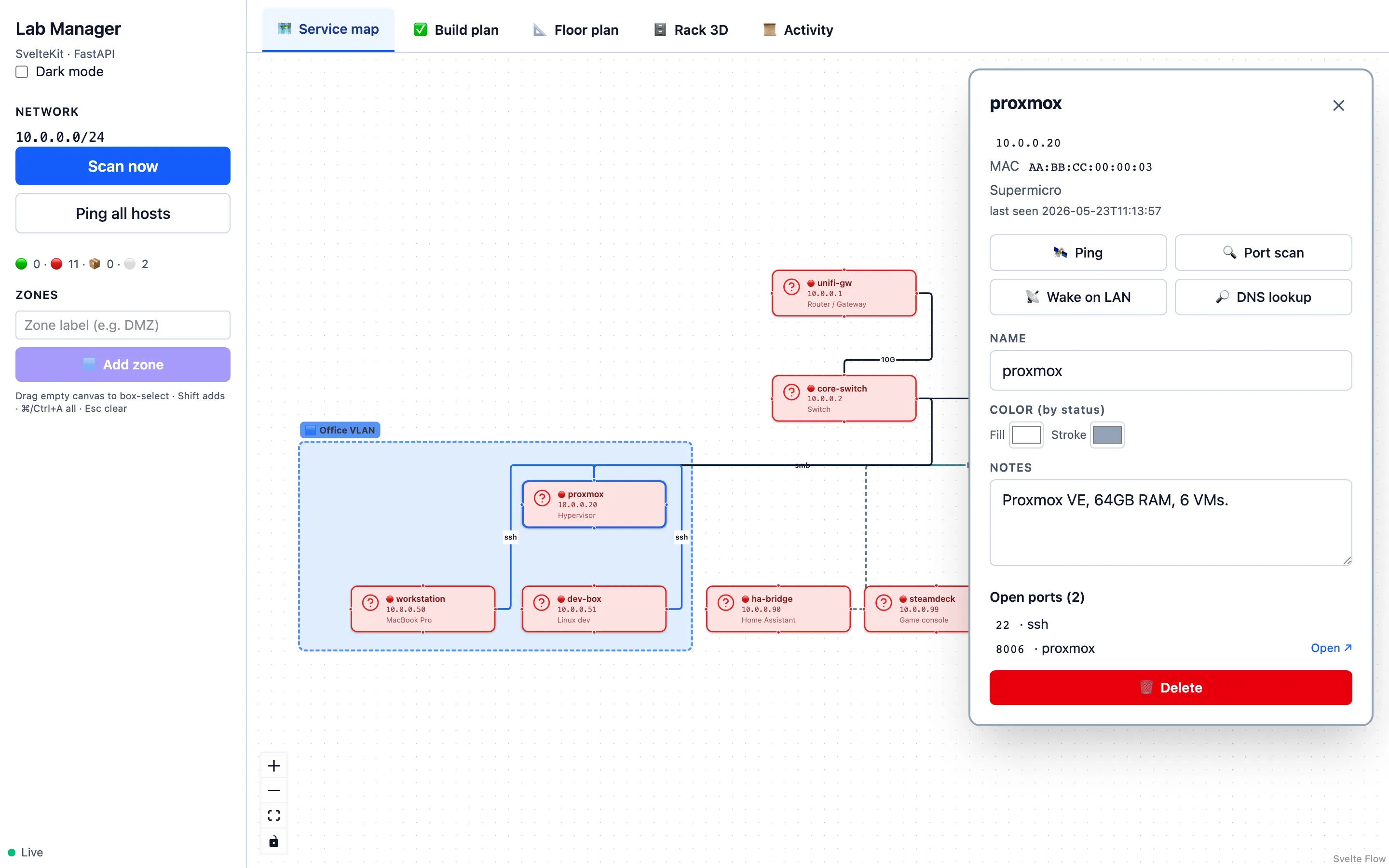
Click a host. Everything you need to poke at it, in one panel.
When a host blinks, the canvas blinks.
{
  "hosts": [
    {
      "name": "nas-01",
      "ip": "10.0.0.10"
    }
  ]
}
The backend pings every host every 30 seconds and pushes state changes over WebSocket. The canvas updates as it happens — no refresh, no polling, no "last checked 4 hours ago."
Grab the signed installer, or clone the repo and go. Same app either way.
A native shell with a bundled Python sidecar. No Node, no Python, no Docker. Double-click and go.
The web app talks to a FastAPI backend over HTTP and WebSocket. Hot reload on both.
$ git clone https://github.com/joesdevlab/laika-lab-manager
$ cd lab-manager
$ make install
$ make api   # :8000  FastAPI
$ make web   # :5180  Vite + Svelte
Python ≥ 3.10 · Node ≥ 20 with pnpm · optional nmap for richer scans
Standard tools, wired carefully. Read the whole thing in an afternoon.
A static SPA. Canvas with Svelte Flow, 3D scenes with Threlte (three.js).
Pure-Python scanner. TCP connects, ARP cache reads, ICMP ping, UDP magic packets. No nmap required.
↑ shipped as a single signed installer
One human-readable file. Atomic writes. grep it. diff it. rsync it.
Standard transports. No agents. No SNMP. Nothing leaves the machine.
Why it stays simple
Lab Manager talks to your network the same way you would — TCP connects, ARP, ping, a UDP magic packet. Pure Python, no external dependencies.
If nmap
is on PATH, it's used instead for better vendor lookups and MAC discovery — but it's
not required, including in the packaged desktop builds.
→ nothing leaves your machine
Nothing exotic. Standard pieces, wired together carefully.
Backend, JSON persistence, pure-Python scanner.
Static SPA, fast hot reload, tiny runtime.
three.js wrapper powering the floor plan and rack.
Rust + system webview. No Electron, no Chromium.
Single-binary Python sidecar inside the installer.
Your topology — readable, diffable, gitignore-able.
Things people ask. If something's missing, open an issue on GitHub.
No. No analytics, no telemetry, no accounts. The packaged app runs a localhost-only FastAPI sidecar. Network scans run from your machine and stay on your network.
No. The bundled scanner is pure Python — TCP-connect across the subnet plus ARP for MAC/vendor. If nmap happens to be on PATH it's used for richer results, but it's never required.
In a single JSON file at the OS's app-data path (e.g. ~/Library/Application Support/Lab Manager/ on macOS). Commit it to a private repo, sync it via Syncthing — your call.
Yes. Signed installers ship for macOS (Apple Silicon + Intel), Windows x64, and Linux (.deb + AppImage). Cross-builds run in CI on every tagged release.
Yes — clone the repo, `make install`, `make api`, `make web`. The frontend is a static SPA you can serve behind any reverse proxy. Point your browser at it from anywhere on the LAN.
A project, MIT-licensed, built scratching my own itch. There's no SaaS, no paid tier, no roadmap deck. If you find it useful, star the repo — that's the whole business model.
Download the installer, run the scan, drag the hosts into place. Your network — finally something you can see.
MIT licensed · macOS · Windows · Linux · no account required